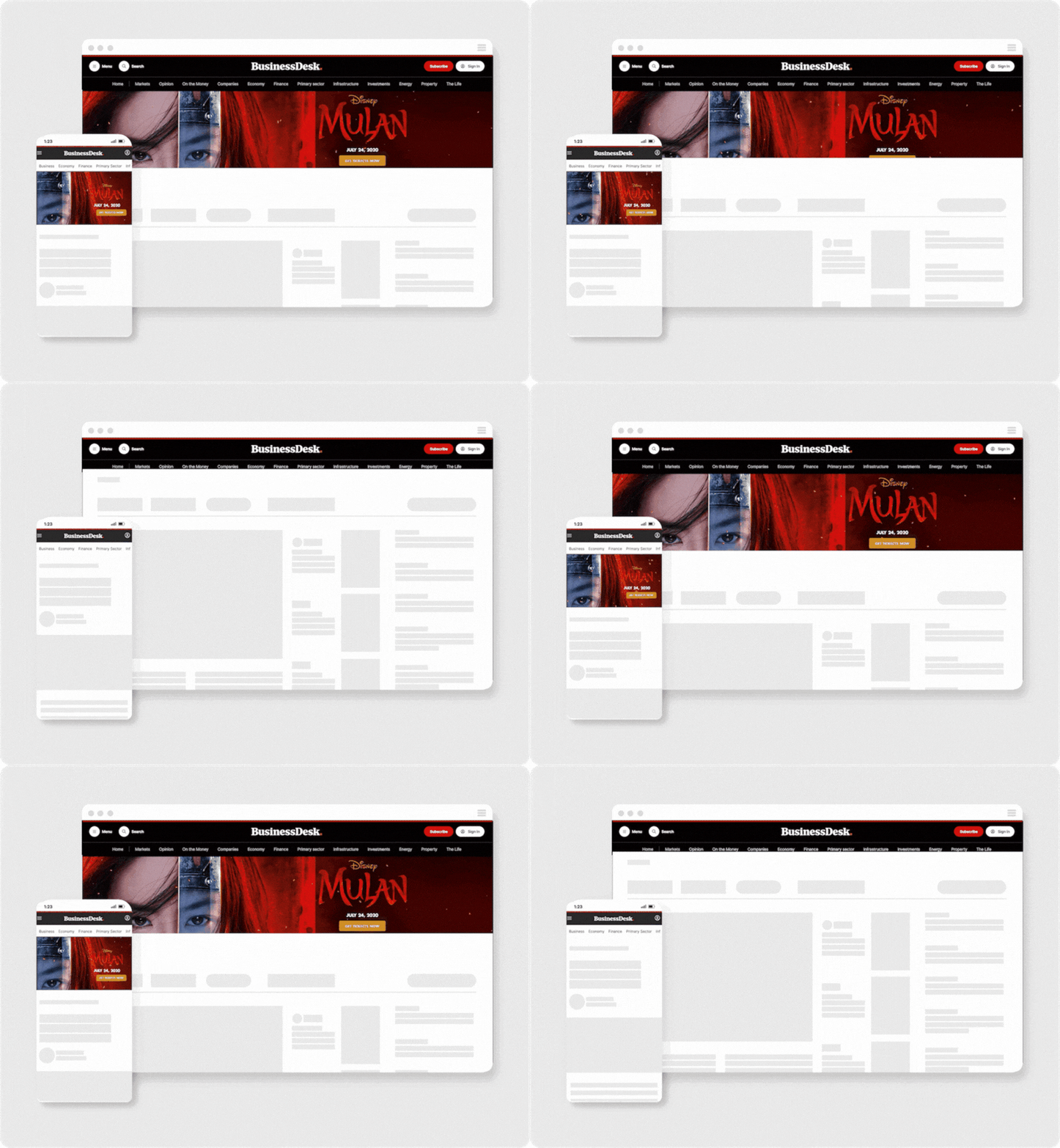
Article blast.

Across the week, the Article Blast puts your brand at the top of every BusinessDesk article, giving your business a large share of impressions.

Why use it?

One full-width canvas runs across both desktop and mobile web - an uncluttered, premium placement, appearing right as NZ's business decision-makers settle in to read.

You'll be getting high-value awareness at scale, targeting 150,000 across the week.

BusinessDesk Article Blast

Devices

Desktop
Mobile web

Device

Websites

BusinessDesk

webpage

Targeting

Non-subscribers only
Audience targeting or exclusions available on request

Targeting

Buy type

Cost per week (CPW)

Buy type

Functionalities and capabilities.


Placeholder only

Ad specifications.


Desktop

Foreground

Dimensions 970 × 300px
File formats Layered PSD
Max file size 4MB

Background

Dimensions 1440 × 900px
File formats Layered PSD
Max file size 4MB

PSD template

Link to file Desktop template


Mobile

Foreground

Dimensions 320 × 250px
File formats Layered PSD
Max file size 4MB

Background

Dimensions 320 × 620px
File formats Layered PSD
Max file size 4MB

PSD template

Link to file Mobile template


Additional information.

Prohibited
  • Avoid using capital letters for emphasis, such as in "All make-up HALF-PRICE buy NOW," except when dealing with acronyms like "NZ."
  • Avoid placing text on images, as it can reduce user engagement, clutter visuals, and obscure the core message.
  • Creative may be rejected if it’s considered offensive, misleading, overwhelming, or distracting.
  • No use of tickers—scrolling message displays is not permitted in any creative assets. This includes but is not limited to news-style tickers, promotional scrolls, or dynamic text banners. Please ensure all messaging is presented in a static, non-scrolling format to maintain consistency and clarity.
Tracking
  • Third-party impression and click tracking is supported.
Build time
  • 3 - 5 working days required for testing and loading.